 Spritz Depot
Mose Firewall
A packet filter for Haiku, with a native window, a Deskbar icon and a command line tool
 Internet e rete
 Sistema e utilità
Descrizione
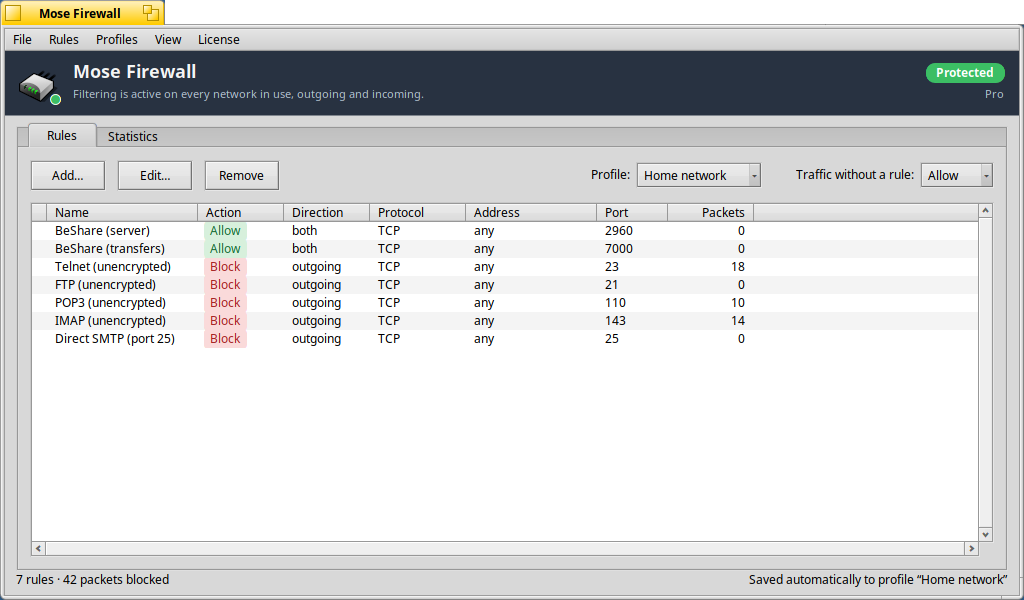
Mose Firewall filters the network traffic of your Haiku computer, outgoing and incoming, IPv4 and IPv6. It runs as a kernel add-on, so it works for every application, and it never stops filtering because of the licence.
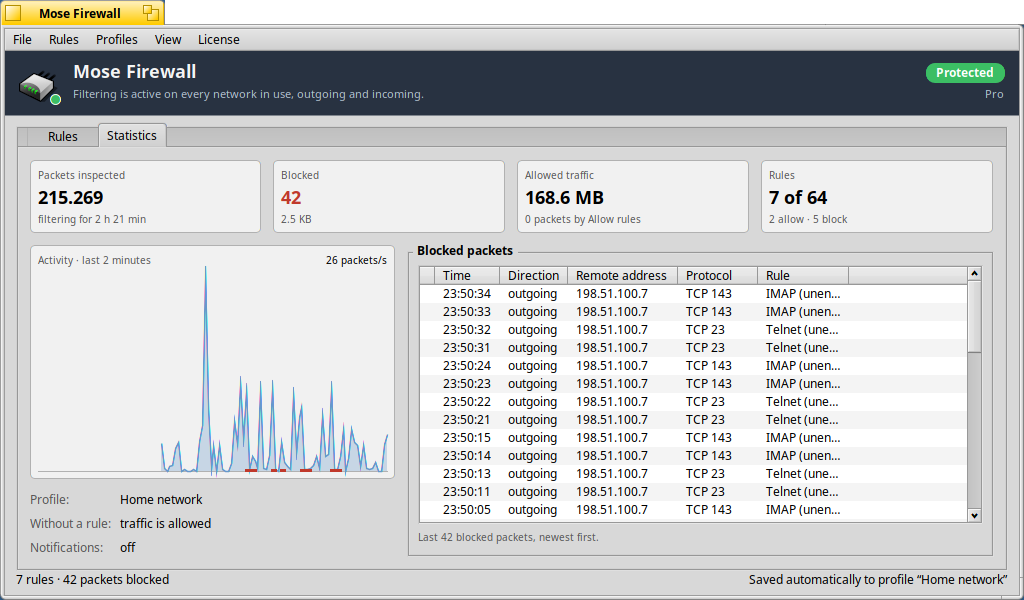
Rules by address, port, protocol, direction and IP version, with ready-made services; five ready profiles (home, work, public network, maximum protection); a protection status you can trust; statistics and the list of blocked packets; a Deskbar icon with a quick menu; a Connections window; and mose_firewall_ctl for the command line.
Free, with registration: every installation starts with a 10-day trial with all the features. Register for free from License > Get Pro... to keep the Pro features (up to 64 rules, unlimited profiles, Connections window, notifications). Without registering, Mose keeps filtering in the Base edition.
Schermate
Installa
Canale stable v1.1.0-beta2
Copia questo URL in HaikuDepot (Repository), poi installa Mose Firewall come qualsiasi altro pacchetto. Nessun client aggiuntivo richiesto.
Installa Spritz Depot per aggiornamenti automatici e installazione in un clicIl file arriva dal server dell'autore: Spritz Depot non ospita i pacchetti, li indica. Scaricandolo a mano lo verifichi tu (con sha256sum); il client Haiku lo verifica al posto tuo.